Your browser (Internet Explorer 6) is out of date. It has known security flaws and may not display all features of this and other websites. Learn how to update your browser.
X
Articles

Joomla Virtuemart Template – DarkMart

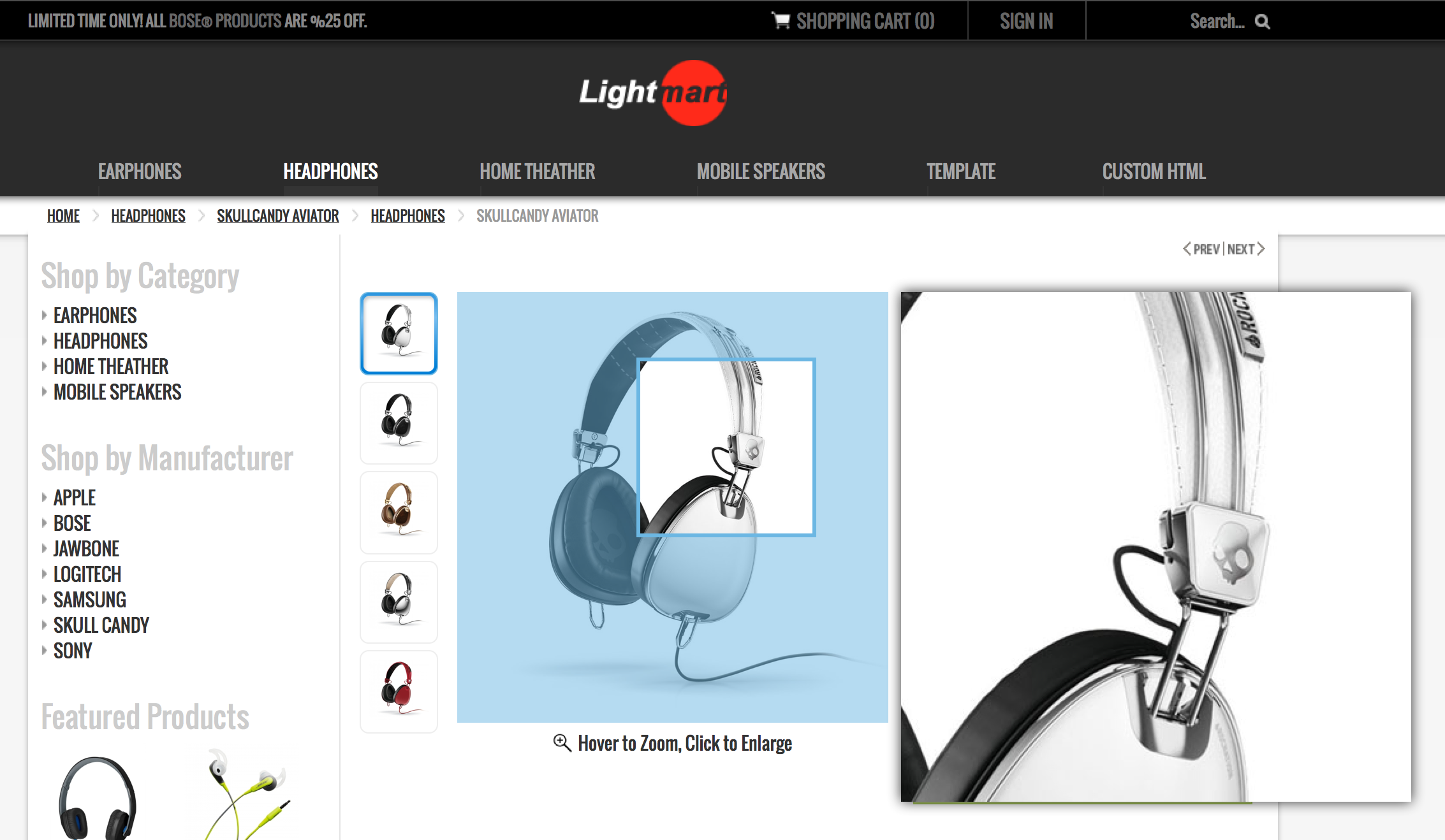
Joomla Virtuemart Template – DarkMart is a Virtuemart and Joomla Template bundle. DarkMart includes lots of unique extensions/features: Virtuemart Ajax Shopping Cart, QuickLook, Virtuemart Quick look, Virtuemart Zoom effect, Virtuemart One Page Checkout.

virtuemart_joomla_template_screen1


More…

Articles

The easiest way to solve jQuery Conflict Issues.

Hi,

Most of the problems about our VM Template – PureMart are related to jQuery Conflict issues.
(most likely loading multiple jQuery at a time in the website with out having no.conflict protection).

This topic will tell you how to resolve them with simple clicks.

Here is a simple example to show a typical jQuery Conflict issue due to loading multiple jQuery libraries at a time without no.conflict or without changing jQuery.Variable.

More…

Post

Virtuemart – Image type Custom Field – Tutorial with Screenshots

Hi everybody, here comes an another tutorial about how to create “Custom Fields” in Virtuemart.

This tutorial will show you how to have “image type” custom field. Image type custom fields will include the “image” or “icon” instead of plain text. It is very useful if you have a clothing store and that specific product has some color attributes. So instead of giving the color options with a plain texts such as: RED – BLUE – BLACK, you will let buyers to see RED-BLUE-BLACK icons.

More…

Images

Virtuemart Tutorial – Product Custom fields with stock control (with screenshots)

Lets say; you are selling clothes, and every cloth has different size option. 0-2-4-6-8 etc.. And you want to keep stock info for each of the individual sizes separately. If you understand the idea; you can implement this functionality for any other variations of same products such as; COLOR, SIZE, WEIGHT, MATERIAL or any other option of same product and you can submit a different stock number for each individual option.

The basic idea is creating Child Product for each different variation of same product. In this tutorial, i am going over the procedure steps-by steps with providing screenshots. Here is the easiest way to create Custom Fields with Stock Control, i hope it will be useful to all.

More…

Articles

Flexible – Virtuemart Product Carousel

Flexible – Virtuemart Product Carousel, lets you list Virtuemart products of “Featured”, “Random”, “Best Selling”, “Latest” items from a specific category or from the entire store in a nice carousel.  Works with only Virtuemart 2.0.x, but with all Joomla! Versions (1.5.x, 1.6.x, 1.7.x, 2.5.x).

DEMO: Click here.

More…

Articles

Virtuemart 2 Template 2012 – FashionMart is finally Out

Click for Virtuemart 2 Template – FashionMart LIVE DEMO

The new Virtuemart 2 Template is finally OUT!!. We made Virtuemart more effective, more powerful and more aesthetic.

More…

Articles

Web Hosting Search – Design Award 2012

Flexible Web Design has been recognized by Webhostingsearch.com for providing quality web design for our clients. Its our pleasure receiving this recognition from their team!

Articles

Virtuemart 2 Template

Virtuemart-2-template

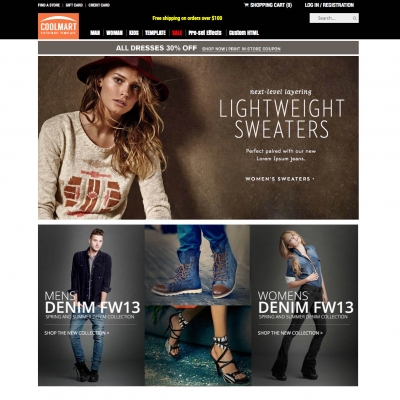
Virtuemart 2 Template is finally OUT!!.

After several weeks of VM2.0 was released, Flexible Web Design finally finished the design for VM2.0 template. The team, so far, has designed an awesome theme for VM1.1.9 and we have received spectacular feedbacks about it. These days the question of “when are you going to create a new template which will support VM2.0″ has been asked so many times. Hey guys!!!, here is the good news!! Template is completed and tests gave successful result. It means the template is ready to be released.

More…

Video

Virtuemart v2.0 Migration (migrate your contents from older version of Virtuemart to Virtuemart2)

Virtuemart V2.0 finally has been released, But what about for those who already have running website with Virtuemart V1, can you completely remove everything and make a fresh install of Virtuemart v2? Spend hours to add the same products? of course not, there is way to migrate your older virtuemart contents (including store info, products inventory, product pictures,etc…) to the newly released Vir This video will guide you how to migrate your old version Virtuemart to Virtuemart V2 http://www.flexiblewebdesign.com

More…

Images

Zoom Effect Extension works on Virtuemart 2

Zoom Effect Extension works on Virtuemart 2

After couple days of Virtuemart 2 release, Flexible Web Design have started working on upgrading their extensions which were for Virtuemart 1.1.x only,

Flexible Zoom Effect Extension is ready to work on Virtuemart 2 without any problem.

More…